
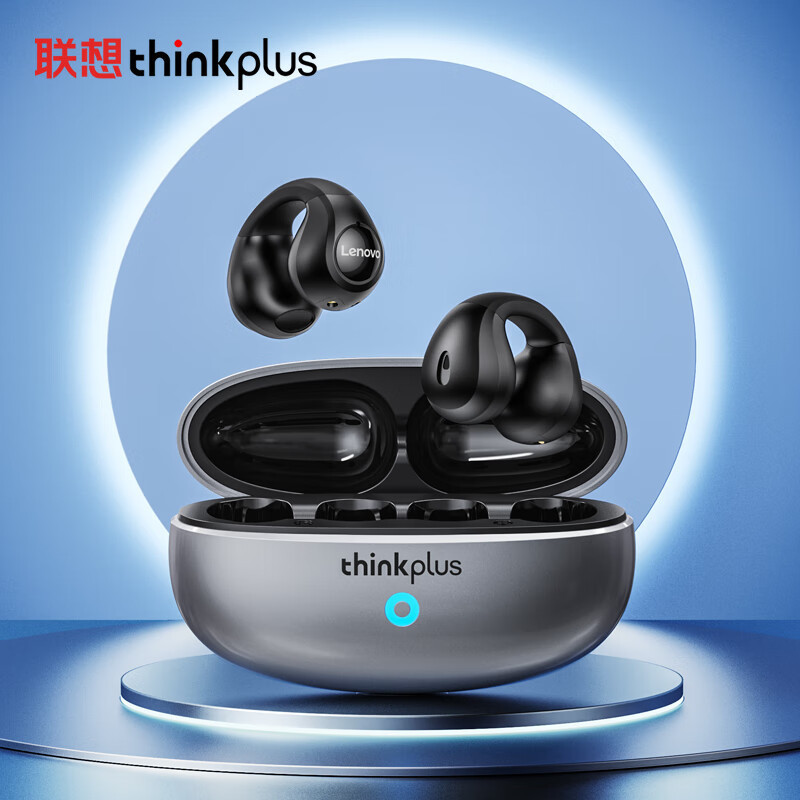



🎧 Lenovo ThinkPlus XT83II Wireless Earbuds
Experience convenient wireless audio with the Lenovo ThinkPlus XT83II True Wireless Earbuds. Designed with a compact charging case and semi-in-ear earbuds, they offer a comfortable and cable-free listening experience for music, calls, and daily entertainment.
With built-in touch controls and Bluetooth connectivity, you can easily control your music and calls without constantly reaching for your phone.
✨ Key Features
- True Wireless Stereo (TWS) – Enjoy a completely wireless listening experience.
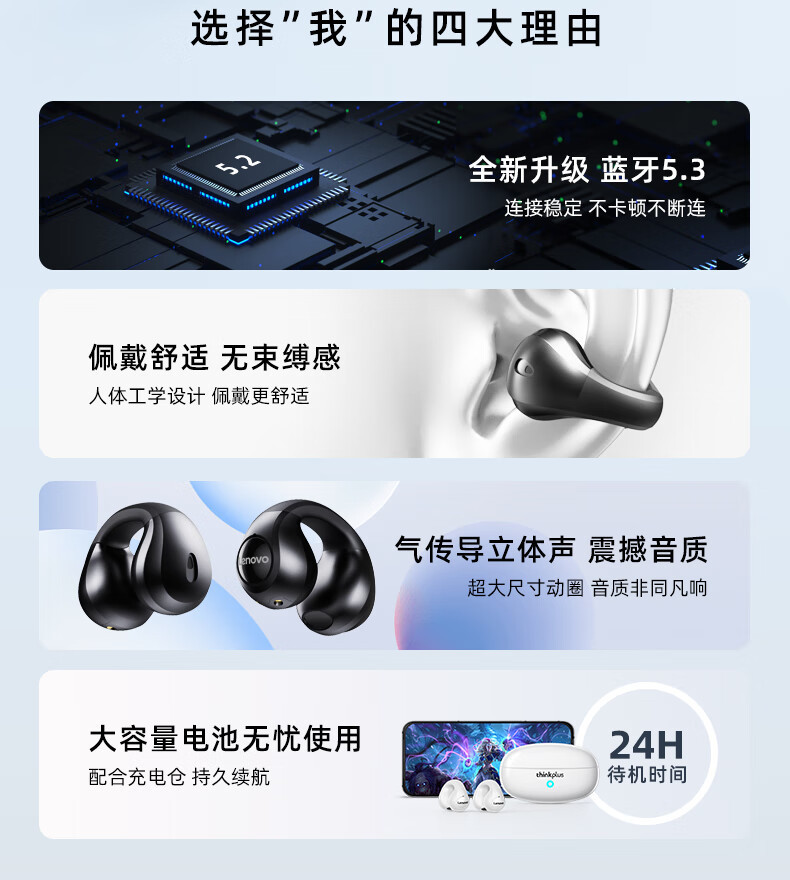
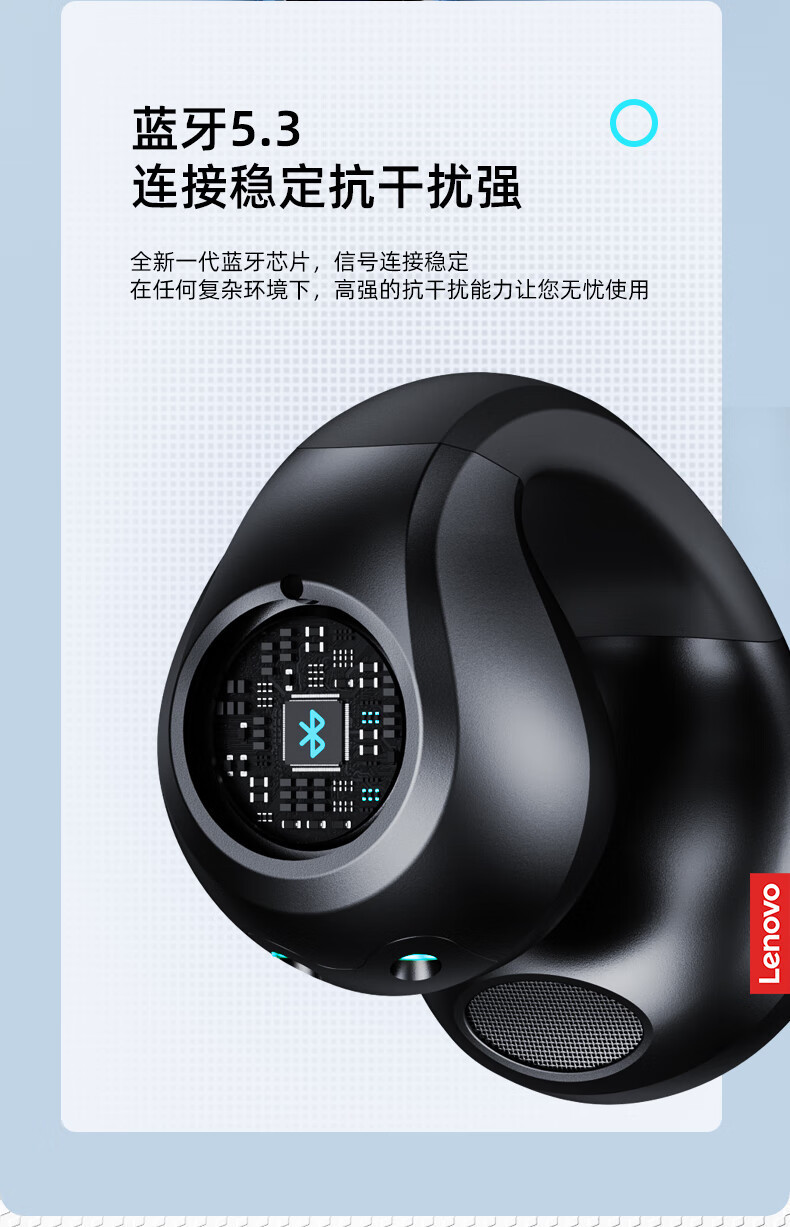
- Bluetooth Connectivity – Connect wirelessly to compatible smartphones, tablets, and other Bluetooth-enabled devices.
- Touch Controls – Control music and calls with convenient touch controls.
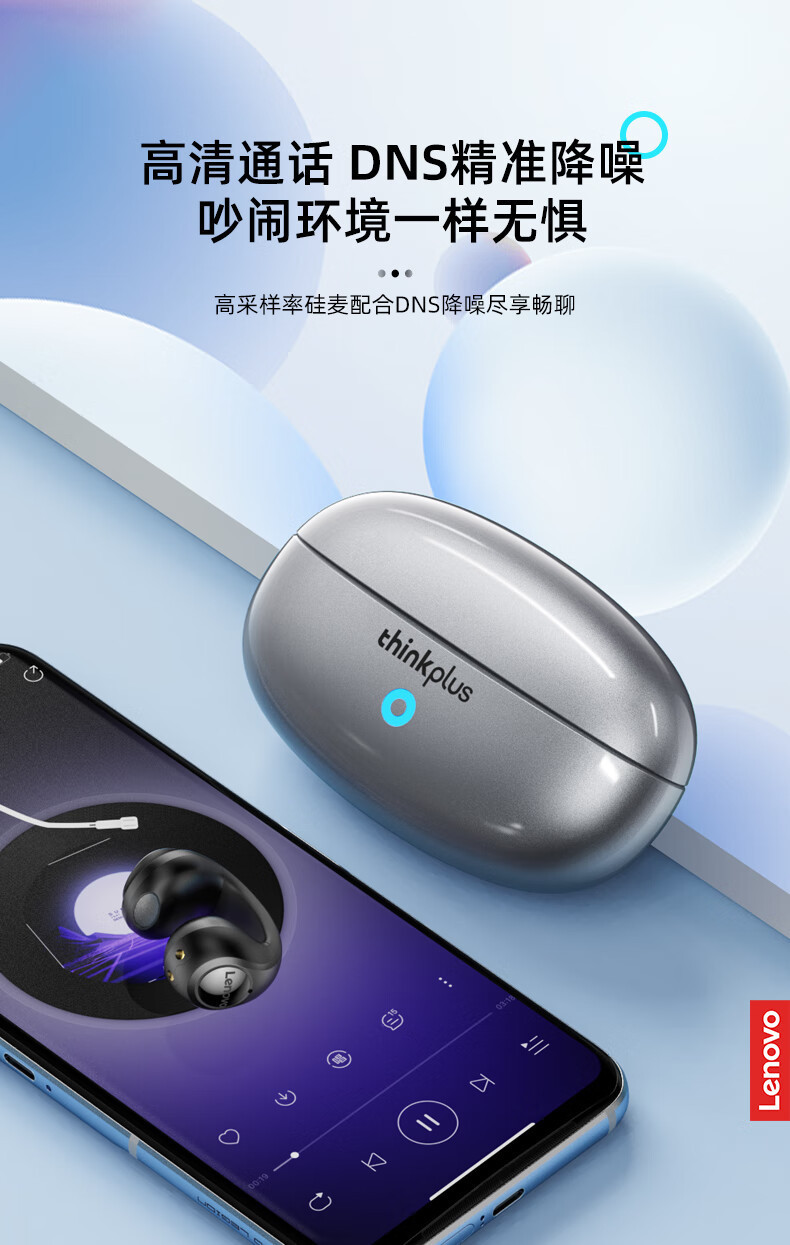
- Built-in Microphone – Make hands-free calls with ease.
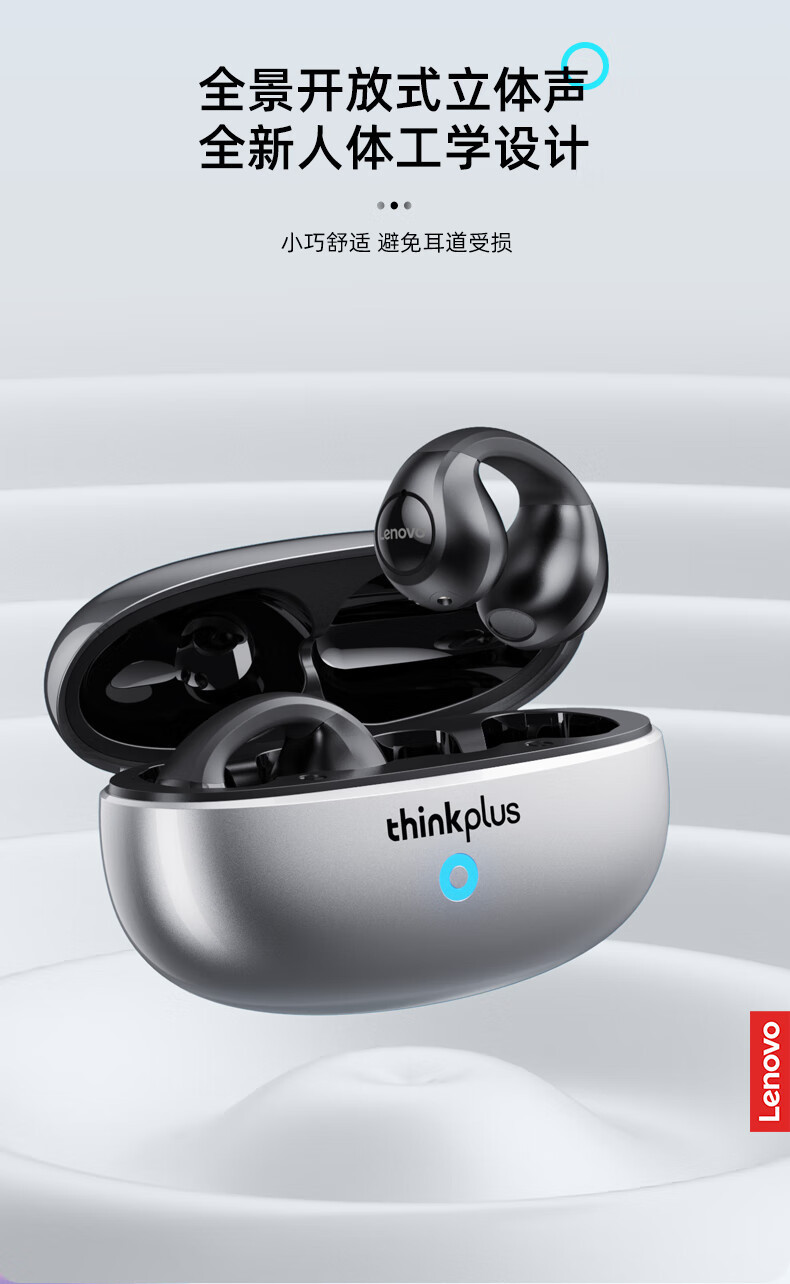
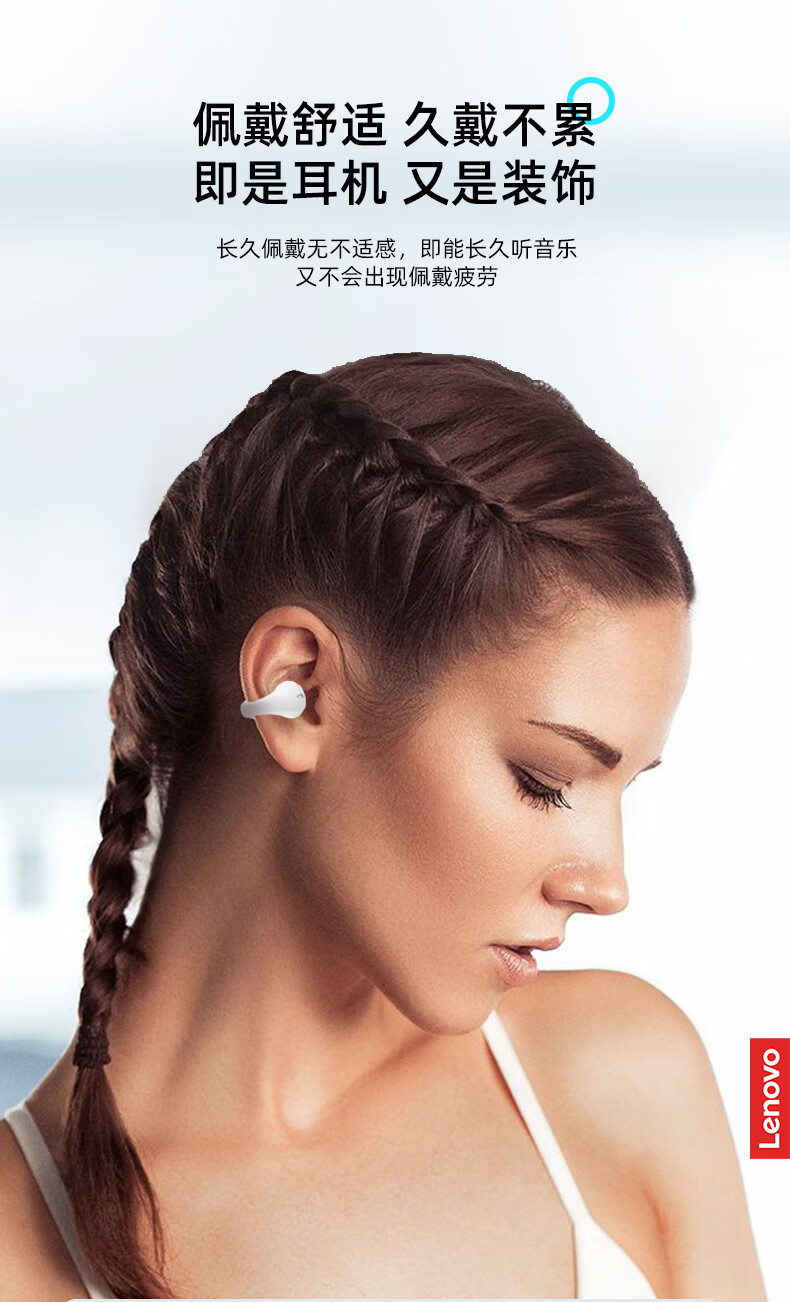
- Semi-In-Ear Design – Designed for a comfortable fit during everyday use.
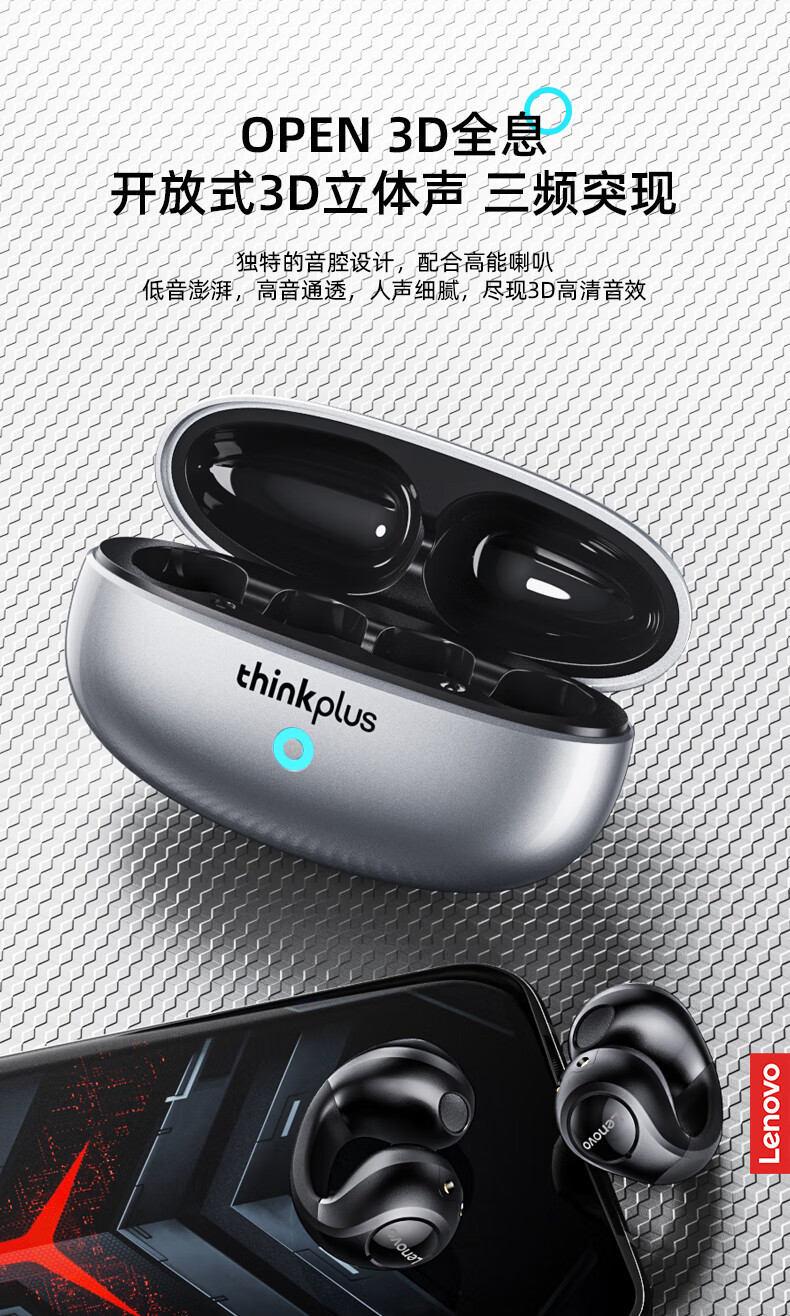
- Compact Charging Case – Easily store and recharge your earbuds.
- Automatic Earbud Pairing – The left and right earbuds can automatically pair with each other.
- Independent Earbud Use – Use either the left or right earbud separately.
- Automatic Switching – Put one earbud back into the charging case while continuing to use the other.
- Android & iOS Compatible – Works with most Bluetooth-enabled smartphones and devices.
- Premium Metallic Silver Charging Case – Stylish and compact design with a black interior.
- LED Battery Indicator – Front LED indicator shows charging or battery status.
🎵 Smart TWS Functionality
The Lenovo ThinkPlus XT83II earbuds are designed for flexible everyday use. You can use both earbuds together or use either the left or right earbud independently.
When one earbud is placed back into the charging case, the other earbud can continue playing audio. You can also take out the second earbud to automatically reconnect both earbuds for stereo listening.
📱 Easy Bluetooth Pairing
To connect the earbuds to your smartphone:
- Open the Bluetooth settings on your device.
- Turn on the earbuds.
- Search for the Bluetooth device name “Lenovo ThinkPlus XT831”.
- Select it to pair and connect.
The Bluetooth name may vary slightly depending on the actual product version.
🎛️ Touch Controls
- Previous Song: Touch the left earbud multifunction button 3 times continuously.
- Next Song: Touch the right earbud multifunction button 3 times continuously.
- Power On: Remove the earbuds from the charging case, or press and hold the multifunction touch buttons for approximately 5 seconds when the earbuds are outside the case.
- Power Off: Place the earbuds inside the charging case, or press and hold the multifunction touch buttons for approximately 5 seconds while powered on.
🔋 Battery & Charging
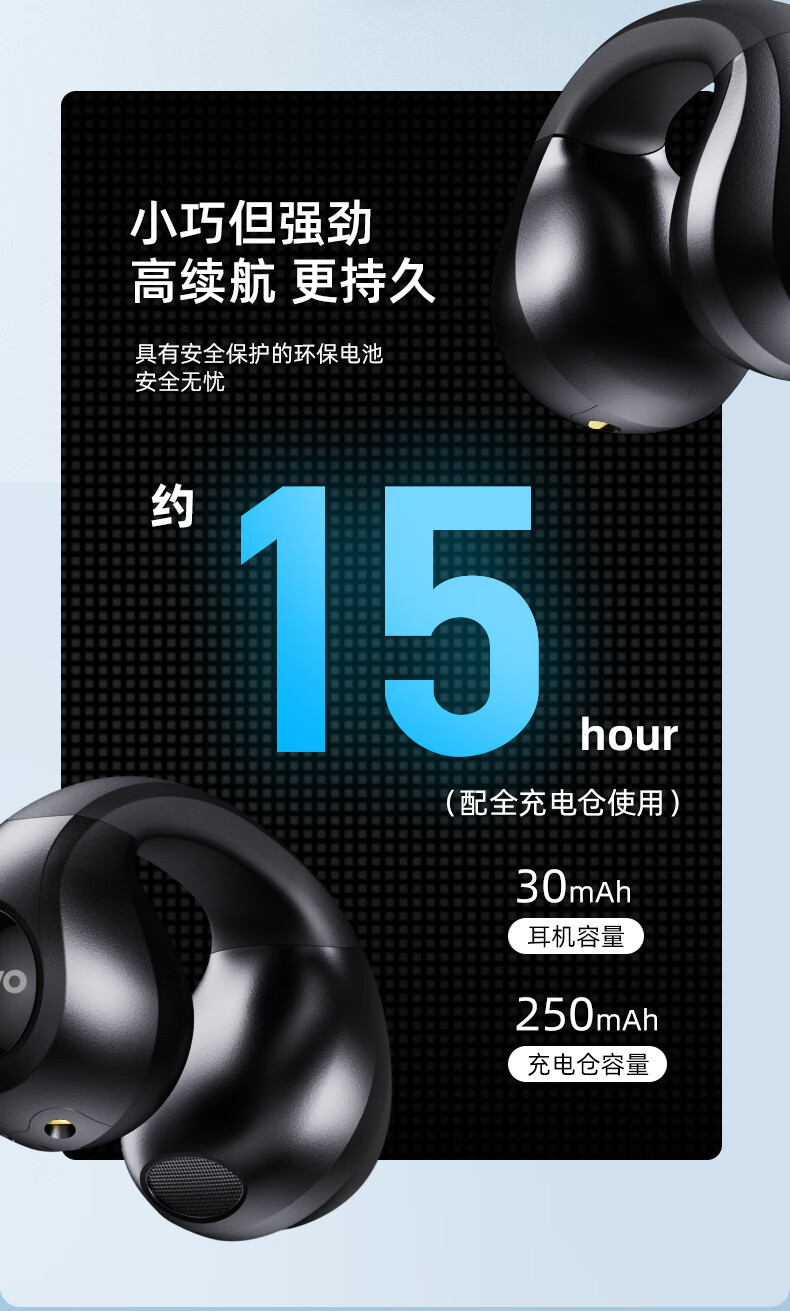
- Earbud Battery Capacity: 30mAh each
- Charging Case Battery Capacity: 250mAh
- Music Playback Time: Approximately 3.5 hours
- Earbud Charging Time: Approximately 1 hour
- Charging Input: DC 5V/1A recommended
Actual battery life may vary depending on volume level, usage, device settings, and other factors.
📋 Product Specifications
| Specification | Details |
|---|---|
| Brand | Lenovo ThinkPlus |
| Model | XT83II |
| Product Type | True Wireless Bluetooth Earbuds |
| Bluetooth Range | More than 10 meters |
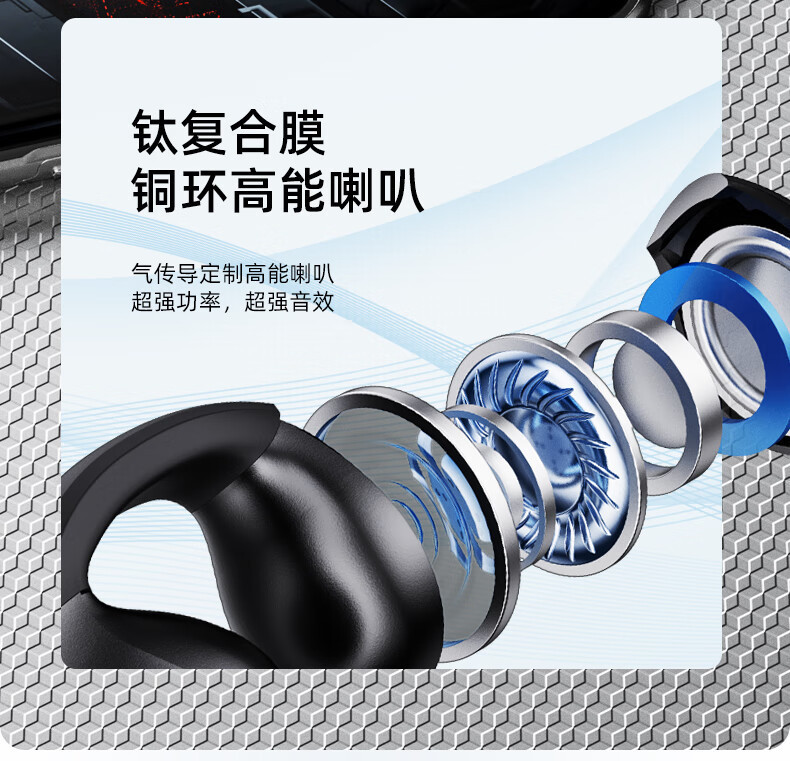
| Speaker Diameter | 13mm |
| Impedance | 32Ω |
| Microphone Sensitivity | -42dB |
| Distortion | Less than 5% |
| Frequency Response | 20Hz–20kHz |
| Playback Time | Approximately 3.5 hours |
| Earbud Battery | 30mAh each |
| Charging Case Battery | 250mAh |
| Earbud Charging Time | Approximately 1 hour |
| Charging Requirement | DC 5V/1A |
| Design | Semi-In-Ear |
| Controls | Touch Controls |
| Compatibility | Android, iOS & Bluetooth Devices |
All technical specifications are subject to actual product performance.
📦 What’s Included
- 2 × Bluetooth Earbuds
- 1 × Charging Case
- 1 × Charging Cable
- 1 × User Manual
⚠️ Safety & Care Instructions
- Do not disassemble or attempt to replace internal components unless instructed in the user manual.
- The product contains a built-in rechargeable battery. Do not hit, crush, puncture, or short-circuit the battery.
- Stop using the product if you notice swelling, deformation, liquid leakage, overheating, or any other abnormal condition.
- Keep the earbuds and charging case away from open flames, direct sunlight, heaters, stoves, and extreme heat.
- Do not immerse the earbuds or charging case in water.
- Avoid using or storing the product in damp, dusty, oily, extremely hot, or high-pressure environments.
- Wireless signals may experience interference due to distance, obstacles, Bluetooth devices, Wi-Fi signals, or other electronic signals.
- Use a compatible charging device with an output of DC 5V/1A.

Reviews
There are no reviews yet.